









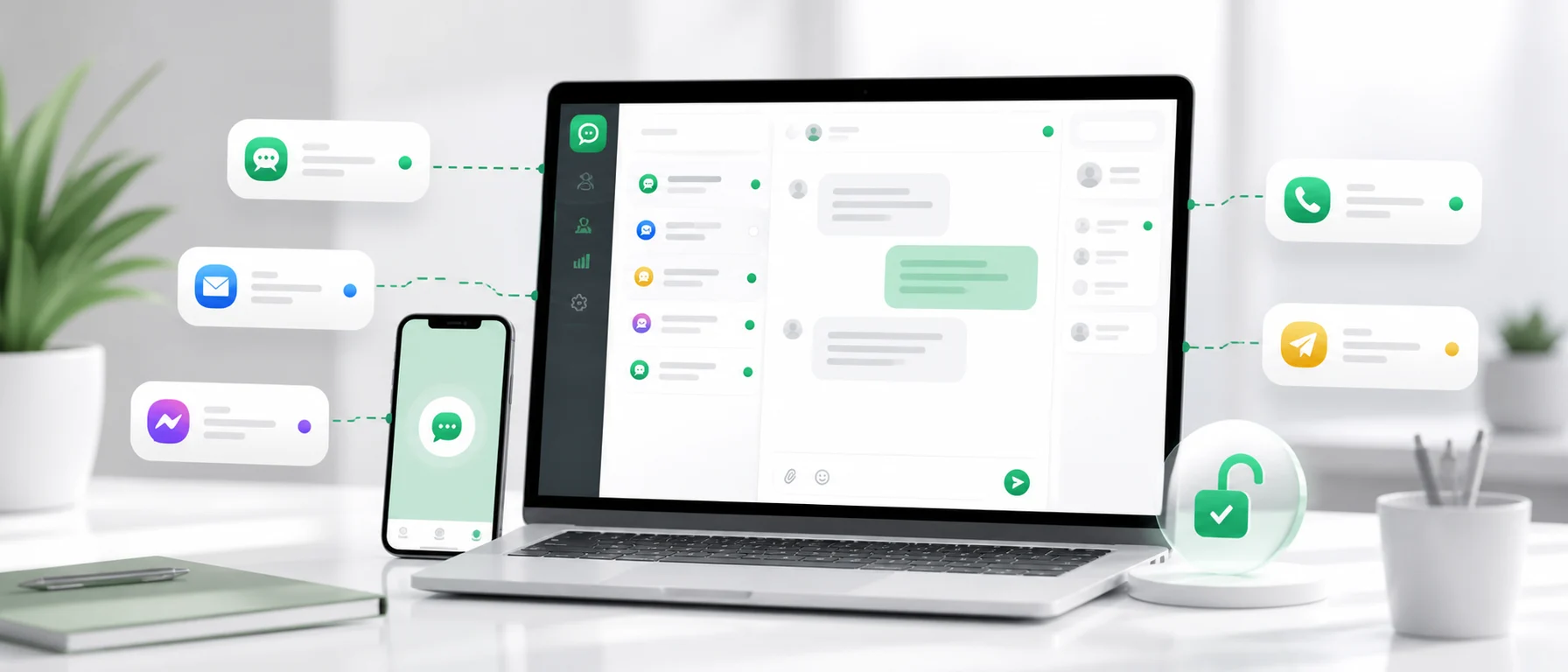
Website live chat should help with sales and customer support, not add another system that someone has to monitor. In a small business there is often no separate support department, tool administrator or process manager. Messages are answered by the owner, a sales person, someone in the office, or sometimes a person from the warehouse or store.
That is why choosing a tool should not start with the longest feature list. A better question is simpler: will this tool help the team answer customers faster without making daily work harder?
If LiveChat feels too advanced, too expensive or simply too heavy for your current stage, it is worth looking at a free alternative that combines live chat, a customer support inbox, support from a phone, many communication channels and automatic translations.
What a small business really needs from live chat
Small businesses usually do not need the tool with the most options. They need something they can launch quickly and use every day. The practical needs are clear:
- customers should be able to write from the website easily,
- the company should see new questions quickly,
- replies should be possible from a phone,
- messages from different places should not get lost,
- support should not require complicated configuration,
- the tool should not create costs before it creates value,
- foreign customers should get replies without manual copying into a translator.
A chat window on the website is only the beginning. The problem starts when one customer writes in chat, another sends a Facebook message, someone else replies by email, and marketplace questions wait in a separate panel. A small-business owner does not need another place to check. They need one panel that organizes customer messages.
LiveChat, simple chat or inbox: what is the difference?
Many companies search for a LiveChat alternative, but they may actually need one of three things. It helps to separate them before choosing software.
| Business need | What it means in practice | What to watch |
|---|---|---|
| Simple live chat | A customer can write from the website | If chat works alone, the company still has to check other channels |
| Customer support inbox | Messages arrive in one panel | The inbox should support the channels customers actually use |
| Customer support system | The company has workflows, statuses, a team and more cases | For a small business, a large system can be harder than the original problem |
For a small team, the best starting point is often live chat plus an inbox. The customer sees a simple website chat, while the company gets a better place to answer. Add mobile support, multiple channels and translations, and the tool starts solving more than one problem.
When LiveChat may be too much
LiveChat is a well-known customer contact tool, but not every company needs a solution designed around larger teams, advanced processes and paid plans. For a small business, the barrier is not always only price. Sometimes the larger problem is that the team has no time to configure settings, test workflows and learn another tool.
A small company may need a simpler alternative if it:
- wants to add free live chat to the website without a long setup,
- does not want to analyze plans, limits and paid add-ons,
- already handles messages from several places,
- sends most replies from a phone,
- has foreign customers but no multilingual team,
- does not need advanced reporting at the start,
- wants to test whether website chat creates useful conversations.
In that situation, a free LiveChat alternative should be judged as more than a chat widget. The better question is whether it makes everyday customer support easier.
5 criteria for choosing a free LiveChat alternative
1. Easy setup
Free website chat should not require a multi-week project. If the first step requires too many decisions, complex rules and process configuration, a small company may never reach consistent use.
Useful questions:
- Can you add chat to the website quickly?
- Will a non-technical person understand the panel?
- Can the team start with basics and expand later?
2. No complicated configuration
In a small business, the tool should work well even when nobody has time to perfect every setting. First you need order in messages and faster replies. More detailed workflows can come later.
When configuration is too heavy, the common result is simple: the account exists, but nobody uses it consistently.
3. Customer support from a phone
Customers do not know whether you are at your desk. They only see whether they got an answer. For a small-business owner, mobile support is often more useful than a dashboard full of charts.
Examples:
- a customer asks about product availability while you are away from the office,
- someone requests a quote during a sales meeting,
- a chat question arrives in the evening,
- a foreign customer writes over the weekend before ordering.
If you can reply from a phone, you shorten response time and reduce the chance that the customer goes elsewhere.
4. Messages from many channels in one panel
Small businesses often do not have one contact channel. Customers write where it is convenient: website chat, Facebook, Instagram, WhatsApp, email, a marketplace or a store form. If each place has to be checked separately, support quickly becomes messy.
A good customer inbox helps bring communication into one place. The team does not need to think about where the customer wrote. Someone needs to see the message and answer.
5. Automatic translations
More small companies sell abroad or at least receive questions from foreign customers. The barrier is often not the offer. It is communication.
If a customer writes in German, French or Italian and the team only answers in English or Polish, the conversation slows down. Live chat with automatic translation helps support the customer in their language even when the agent writes in their own.
A practical checklist
Mark the points that match your company. If you answer yes to four or more, it is probably worth testing a simpler and cheaper solution.
- Do you want free website live chat with no paid features?
- Do you lack time for a complicated rollout?
- Do messages get answered by people who also have other duties?
- Do customers contact you through several channels?
- Do you sometimes lose messages or answer late?
- Do you want to handle questions from a phone?
- Do you have foreign customers or plan to sell abroad?
- Does manual translation take time?
- Do you want one customer support panel instead of several apps?
This checklist shows that the topic is not only about price. It is about matching the tool to how the team actually works.
What a good small-business support process looks like
A simple process can work better than an advanced system nobody maintains.
Step 1: The customer writes where it is convenient
They can use website chat, email, social media or another channel. The company does not force one contact method.
Step 2: The message arrives in one panel
The team does not jump between apps. The person handling customers sees new conversations in one place.
Step 3: The agent replies from a computer or phone
If someone is at a desk, they answer from the panel. If they are away, they can react from a phone.
Step 4: Repeated questions use templates
Questions about delivery, invoices, returns, availability and quotes repeat constantly. Message templates reduce typing time and keep the tone consistent.
Step 5: Foreign customers use translation
The customer writes in their language. The agent reads and replies in their own language. The customer receives the answer in theirs.
Chataptor as a free LiveChat alternative
Chataptor is a good fit for companies that want to start with simple live chat but do not want to stop at one chat window. It is a free customer communication tool that helps bring messages from different channels into one panel and answer faster.
In practice, Chataptor can work as:
- free live chat for a website,
- a customer support inbox,
- one panel for messages from many channels,
- a tool for supporting customers from a phone,
- a communication system for different websites, stores, domains and language versions,
- support for foreign customers through automatic AI translations.
Chataptor is 100% free, with no limits and no paid features. That matters for small businesses that do not want to start with subscription costs or check whether a needed feature is hidden in a higher plan.
Chataptor can collect messages from places such as website chat, Facebook, Instagram, WhatsApp, email, Amazon, Allegro, marketplaces and e-commerce channels. This helps the company switch between fewer apps and focus on answering the customer.
Automatic translations are another important difference. A customer can write in their language, the agent can read and reply in their own language, and the customer receives the answer in theirs. For a small business, that is a simple way to support foreign customers without copying every message into an external translator.
Example: a small store with messages in several places
Imagine a store selling home products. Customers ask about delivery in chat, product availability on Instagram, invoices by email and returns through a marketplace. The owner checks messages in the morning, then packs orders, takes a supplier call and returns to support a few hours later.
Without one inbox, it is easy to miss a question from a customer who was ready to buy. With Chataptor, the store can collect conversations in one panel. The person handling support sees new messages faster, can reply from a phone and can use a ready template for delivery information.
If a customer from Germany asks about shipping time, the team does not need to stop and copy the text into a translator. It can read the message in its own language, reply in its own language and let the customer receive the answer in theirs.
What to watch when comparing tools
First, current prices and limits can change. Before deciding, check the official pricing page of the tool and see which features are available in each plan.
Second, not every company needs many advanced options on day one. If you have a few dozen conversations a week, the more important question may be whether you answer quickly and avoid losing messages.
Third, adding chat to a website does not guarantee better support. If nobody sees messages on time, chat can even hurt the customer experience.
Fourth, check communication channels. If customers mostly use social media and email, and the tool supports only website chat, the main problem remains.
FAQ
What is the best free LiveChat alternative for a small business?
For a small business, a good choice combines free live chat, a customer support inbox, mobile support, multiple channels and simple setup. Chataptor fits that scenario because it is 100% free, with no limits and no paid features.
Is free live chat enough for customer support?
Sometimes yes, if customers write only through the website. In practice, many companies also receive email, social media, WhatsApp and marketplace messages. Then live chat works better together with one customer support panel.
Is Chataptor only a website chat?
No. Chataptor can work as free live chat, but it is also an inbox for customer communication. It helps collect messages from many channels in one panel.
Can I support customers from a phone?
Yes. Mobile support is especially important in small businesses where someone is not always at a computer. It helps the team react faster to new questions.
How can I support foreign customers without knowing the language?
Use a tool with automatic message translation. In Chataptor, the customer can write in their language, the agent can read and reply in their own language, and the customer receives the translated answer.
Summary
A free LiveChat alternative should not be only a cheaper copy of a known tool. For a small business, what matters is whether the solution helps answer faster, avoid missed messages and support customers without jumping between several apps.
If you need an easy start, free website chat, one inbox, mobile support and automatic translations, Chataptor is a practical place to begin.
Keep reading
Related guides
Best free live chat tools in 2026: feature comparison
Compare the best free live chat tools in 2026, including conversation limits, agent seats, AI features and costs for Chataptor, tawk.to, Tidio and more.
Sell internationally without speaking other languages
Want to sell internationally without a multilingual team? Learn how AI translation and Chataptor help you support customers in their own language.
A simple customer support tool for everyone
Online customer support does not need a large support team or technical setup. See how Chataptor helps companies reply faster from one simple place.