









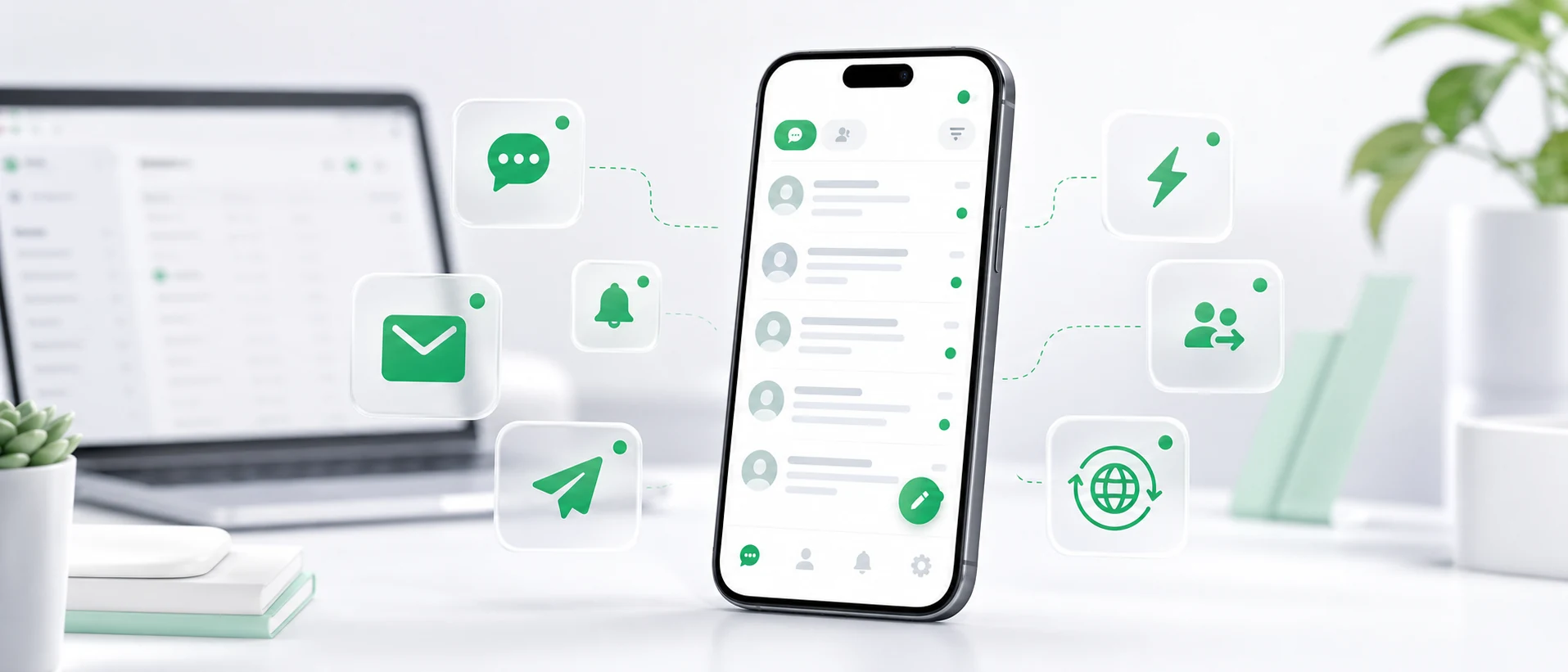
Customers do not write only when someone is sitting at a computer. A message can arrive in the morning, in the evening, on the road, between meetings or when the person responsible for customer contact is away from the office.
For the customer, that usually does not matter. They simply want an answer.
That is why many companies need more than a website chat and a desktop inbox. They also need a convenient mobile app that lets the team react quickly from a phone.
Why reply speed matters
In many companies, the first reply decides whether the customer stays in the conversation. Someone asks about product availability, a quote, a date, delivery, service or cooperation terms. If the answer comes quickly, the company has a better chance of keeping the contact active.
If the customer waits too long, they often write to another supplier or postpone the decision. This is especially important in ecommerce, manufacturing, B2B, hotels, clinics, services, wholesale, distribution and export, where a single enquiry can be valuable.
The point is not to work around the clock. The point is to be able to react quickly when it really matters.
The problem: messages arrive, but nobody sees them in time
In theory, a company has many contact channels: website live chat, Messenger, WhatsApp, Instagram, Facebook and email. In practice, this can quickly become messy.
One person has access to Messenger, someone else checks email, WhatsApp is on a salesperson’s phone, marketing watches Instagram, and live chat works well only when someone has the desktop panel open.
The result is simple: messages are scattered, and the response depends on who is online and who notices the notification.
A mobile app solves at least one important part of this problem. It lets the team see a new enquiry and reply without waiting to get back to a computer.
When does customer support from a phone make sense?
Handling customer messages from a phone does not mean that the whole support process should happen on a small screen. It means the team can react quickly when time matters.
Common situations include:
- the business owner is away from the office but wants to see new enquiries,
- a salesperson is travelling and receives a customer question,
- reception or front desk staff are not always at a computer,
- a small team shares messages between several people,
- a customer writes after office hours,
- the company receives enquiries from different countries and time zones,
- someone wants to reply before the customer chooses another supplier.
Not every message needs a long answer. Sometimes it is enough to confirm that you will check the topic, that the product is available or that the request has been passed to the right person. A fast first reaction often helps the customer feel that someone is really there.
One mobile app instead of several messengers
The main challenge is not only that messages arrive. The challenge is that they arrive from different places.
If a team has to check Messenger, WhatsApp, email, Instagram and live chat separately, it is easy to miss something. That is why a mobile app should be part of a larger omnichannel inbox, not just an add-on for one channel.
In Chataptor, messages from different channels can arrive in one panel: website live chat, email, WhatsApp, Messenger, Instagram and Facebook. The team can then support customers from one place, on desktop or from a phone.
Chataptor Mobile for customer messages
Chataptor Mobile is a mobile app for handling customer messages. It helps teams react faster to new conversations, receive notifications and reply without staying at a computer.
It is especially useful when support is handled by a small team, a business owner, a salesperson, reception staff or someone who is often away from the office. Chataptor is currently free to use and does not limit messages, so a company can test this way of working without a separate starting budget.


How mobile support works in practice
A simple example: a customer opens the website chat and asks whether a product is available. An employee receives a notification on their phone, opens the app and replies that the product is available or that they will check the delivery date.
The customer gets an answer faster, and the company does not lose the enquiry just because nobody was sitting at a computer.
The phone is also useful for short operational replies: confirming that a message was received, passing the topic to another person, asking for contact details or telling the customer that a full answer will follow shortly.
What if the customer writes in another language?
Many companies face one more barrier: language. A customer from Germany writes in German, a customer from France in French, a customer from Czechia in Czech and a customer from Italy in Italian.
In a manual workflow, the employee copies messages into a translator, translates the reply and pastes it back into the conversation. In Chataptor, the process is simpler: the customer writes in their language, the employee sees the message in the team’s language, replies normally and the customer receives the answer in their language.
We explain this workflow in our guide to website chat with automatic translation.
Who benefits most from a mobile customer support app?
A mobile app is most useful for companies that want to reply faster but do not have a large support team.
Small businesses
In small companies, customer contact is often handled by the owner, a salesperson or a few people at once. A phone makes it easier to see that someone has written and reply while the topic is still fresh.
Manufacturing and B2B companies
Manufacturing enquiries often concern quotes, catalogues, spare parts, service, transport or availability. One message can start a larger cooperation, so a quick reply can matter.
Hotels, clinics and service businesses
Guests and service customers ask about availability, appointments, pricing, reservations or visit details. They do not always do it during office hours. A phone notification helps avoid leaving them without a reply.
Exporters
Companies serving foreign customers often receive messages at different times and in different languages. A mobile app connected with automatic translation helps them react faster without waiting to return to the office.
Does a mobile app replace the desktop panel?
No. It is best to treat the mobile app as a complement to the desktop panel.
The desktop panel is better for longer conversations, larger message volumes, team management and focused work. The phone is better when someone needs to see a message quickly, reply, hand off a topic or simply avoid leaving the customer without a response.
The best model combines both: desktop for daily work, phone for fast reactions, one inbox for all messages and automatic translation when the customer writes in another language.
How to start
The easiest way is to start with one channel, such as website live chat. Later, the team can add Messenger, WhatsApp, Instagram, Facebook or email.
The important thing is that messages should not be scattered across several places. They should arrive in one panel and one mobile app. In Chataptor, you can handle messages from desktop and phone, and automatic translation helps when the customer writes in another language.
Summary
Customer support from a phone can shorten response time and help companies avoid losing valuable enquiries. It works especially well for small businesses, ecommerce, manufacturing, hotels, services and companies serving international customers.
Chataptor Mobile helps teams react faster, reply from a phone and manage customer conversations from several channels. You can start with Chataptor and handle messages from one inbox, on desktop or mobile.
Keep reading
Related guides
Live Chat for Website: How It Works, What to Choose and How to Add It
Looking for live chat for website use? Learn how website chat works, which features matter, how to install a widget and choose the right software.
Website chat with automatic translation: support customers in many languages
See how a website chat with automatic translation works. Customers write in their own language, your team replies in theirs, and the system translates the conversation in real time.
Smartsupp alternatives: which live chat should you choose?
Compare practical Smartsupp alternatives, including Chataptor, tawk.to, Tidio, LiveChat, Crisp, Intercom and Zendesk, for live chat, customer support, omnichannel inboxes and automatic translation.