









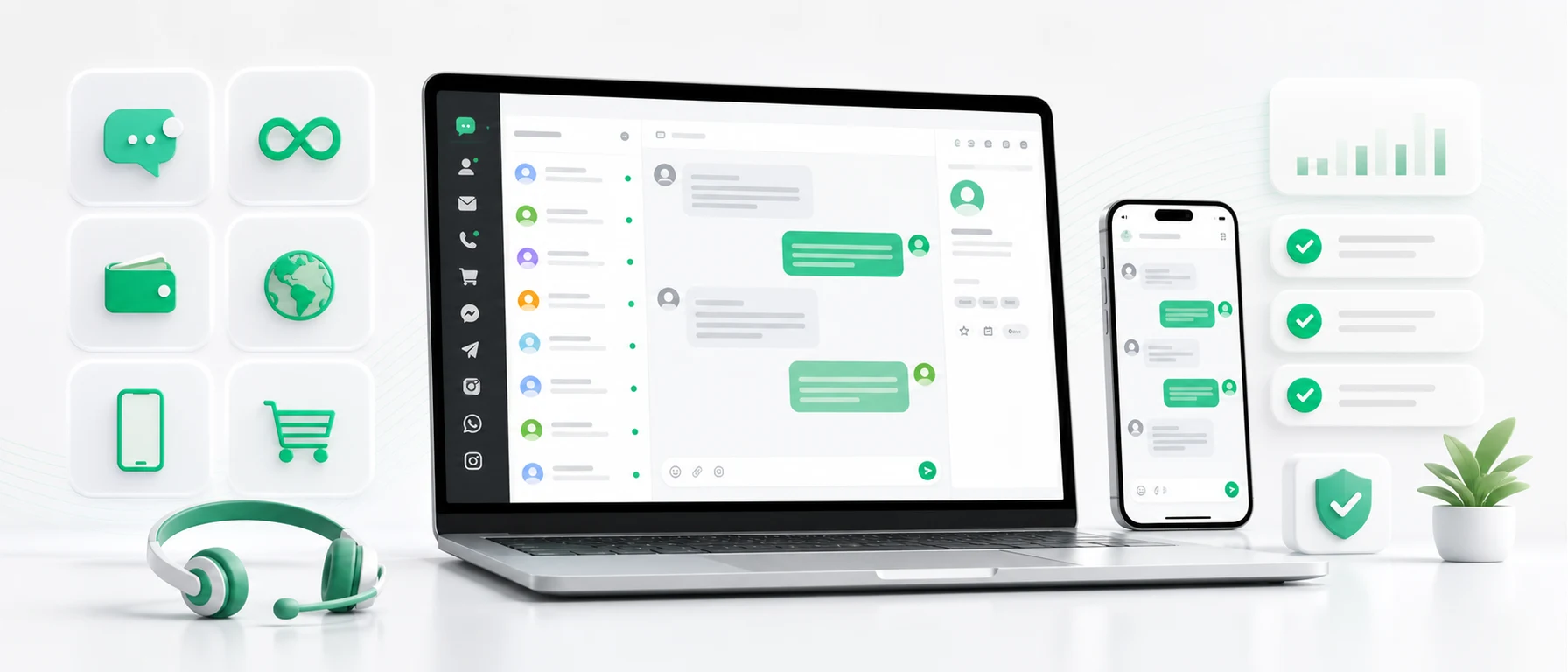
Free live chat sounds simple. You add a chat widget to your website, visitors can ask questions, and the team replies faster than through a contact form.
The important question is what “free” actually means. Sometimes only the trial is free. Sometimes the free plan limits conversations, users or features. Sometimes the widget is useful, but the team later needs mobile support, email, social media, e-commerce messages or automatic translations.
This guide compares tawk.to, Smartsupp, Tidio and Chataptor in a practical way. Pricing, limits and feature packaging can change, so always check the provider’s current information before choosing a tool.
What companies really want from free live chat
Most teams are not looking for a chat icon only. They want to solve a real communication problem:
- visitors leave the website without asking a question,
- contact forms are too slow,
- replies arrive too late,
- messages are scattered across several apps,
- the owner or sales team needs to answer from a phone,
- an online store needs faster pre-sale support,
- international customers write in different languages,
- the company wants to test chat without signing a long contract.
The first question is usually: “Can we add chat to the website for free?” Later, the better questions appear: are there message limits, can we use a mobile app, can the team work together, can we connect email and social channels, and can we handle foreign customers without copying everything into a translator?
What to check before choosing a free chat widget
First, check message or conversation limits. A free plan with limits can be enough for a small website, but it can become uncomfortable exactly when chat starts working and customers send more messages.
Second, check branding. Some companies do not care about “powered by” labels. Others, especially B2B, premium stores, hotels, clinics or exporters, may want a cleaner customer-facing experience.
Third, check mobile support. Live chat only works when someone answers. If new messages are visible only in a desktop panel, the team may miss them while away from the office. We cover this workflow in the guide to customer support from a phone.
Fourth, check channels. Customers do not always write through the website chat. They may use email, Messenger, WhatsApp, Instagram, Facebook or marketplaces. That is why many teams need an omnichannel inbox, not just one widget.
tawk.to, Smartsupp, Tidio and Chataptor
tawk.to
tawk.to is one of the best-known free live chat tools. It is often a good starting point when a company wants to add a widget quickly and test whether visitors will use chat.
For more advanced needs, it is worth checking branding, paid add-ons, AI features, integrations, multiple channels and team workflows. We look at that in more detail in our guide to tawk.to alternatives.
Smartsupp
Smartsupp is often considered by e-commerce teams. It can make sense when a store wants live chat, automation, chatbots and visitor behavior features.
Before choosing it, check the current limits of the free plan and the exact features available in each package. If you compare tools for online sales, see our article about Smartsupp alternatives.
Tidio
Tidio combines live chat, chatbots and automation. It may fit companies that want AI-assisted workflows and automated scenarios. As with any SaaS, check the current conversation limits, AI availability and included channels before deciding.
Chataptor
Chataptor can work as a simple free website live chat, but it is not limited to one channel. A team can use it for website chat, email, WhatsApp, Messenger, Instagram, Facebook, marketplace messages, mobile support and automatic translations.
The key point: Chataptor is currently free to use and has no message limits. That matters when you want chat to create more conversations, not make the team worry about hitting a limit.
Feature comparison
| Area | tawk.to | Smartsupp | Tidio | Chataptor |
|---|---|---|---|---|
| Website live chat | Yes | Yes | Yes | Yes |
| Free start | Yes | Yes | Yes | Yes |
| No message limits | Check current model | Depends on plan | Depends on plan | Yes |
| Mobile app | Yes | Yes | Yes | Yes |
| Multiple channels in one inbox | Depends on setup | Depends on plan | Depends on plan | Yes |
| Automatic conversation translation | Not the main focus | Not the main focus | Depends on AI features | Yes |
| E-commerce and marketplace support | Partial | Yes | Yes | Yes |
| Good as a simple chat widget | Yes | Yes | Yes | Yes |
Use this table as a practical orientation, not as a replacement for current pricing pages.
When Chataptor is a good fit
Chataptor is useful when you want to start with a simple free live chat but keep room to grow into a broader customer communication setup.
It is a strong fit if you:
- want free live chat with no message limits,
- need desktop and mobile customer support,
- sell through e-commerce or marketplaces,
- receive messages from international customers,
- want customers to write in their language while the team replies in its own,
- want website chat, email and social channels in one place.
If language support matters, read the guide to website chat with automatic translation.
FAQ
Is there free live chat with no message limits?
Yes, but always check what “no limits” means. Chataptor is currently free and has no message limits. Other tools may offer a free plan with limits on conversations, users, features or add-ons.
Which free chat should I add to my website?
If you only need a simple widget, tawk.to, Smartsupp, Tidio and Chataptor are all worth checking. If you also need mobile support, multiple channels, e-commerce, marketplaces and translations, Chataptor is the more complete fit.
Does live chat with translation make sense?
Yes, especially for international sales. The customer writes in their language, while the team can read and reply in its own language.
Summary
Free live chat is useful when it solves a real communication problem, not only when it adds another icon to the website.
tawk.to can be a good starting point. Smartsupp often fits online sales. Tidio is strong around chatbots and automation. Chataptor is worth choosing when you want free live chat with no message limits and room to grow into mobile support, multiple channels, e-commerce, marketplace messages and automatic translations.
Try Chataptor and add free live chat to your website.
Keep reading
Related guides
How to add live chat to your website for free: step-by-step guide [2026]
Learn how to add free live chat to your website. Step-by-step setup for WordPress, WooCommerce, Shopify, Shoper, PrestaShop and HTML.
The most expensive customer message is the one no one noticed
A missed customer message can mean a lost sale, complaint or relationship. See why messages disappear and how a shared inbox helps prevent it.
Omnichannel customer service: bring every channel into one inbox
Learn what omnichannel customer service means and how to bring live chat, email, social media, WhatsApp and marketplace messages into one inbox.