







tawk.to is one of the best-known live chat tools. Many companies discover it for a simple reason: they want to add a free chat widget to their website without a complex rollout.
That can be a very good starting point. A website chat widget, however, does not always solve the whole customer support problem. Once messages also arrive through email, WhatsApp, Messenger, Instagram, Facebook or marketplaces, the team may need one shared place to work from.
This article looks at tawk.to in a practical way: what it offers, how its pricing model works, where it fits well and when another tool may be a better match.
What is tawk.to?
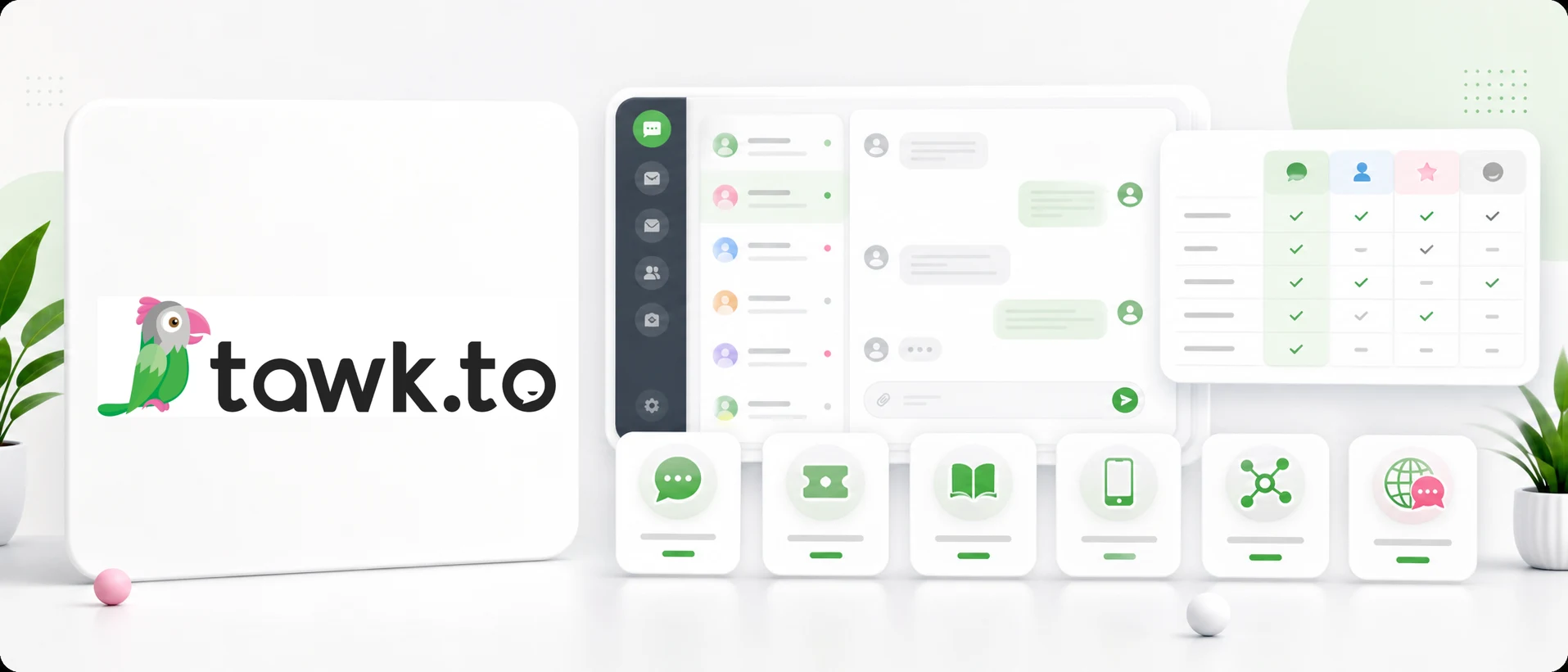
tawk.to is an online customer communication platform known mainly as free live chat software for websites. After installation, visitors can click the chat widget and start a conversation with your company.
Beyond live chat, tawk.to includes useful support features such as an agent dashboard, mobile and desktop apps, conversation history, visitor monitoring, ticketing, a knowledge base, shortcuts, triggers and selected integrations.
So in practice it is not just a small chat icon. It is a simple customer messaging system that can work well for small businesses, local services, basic online stores and straightforward B2B websites.
Is tawk.to really free?
According to tawk.to’s current public information, the core live chat software is offered for free. Its business model is based on paid add-ons and services, such as removing branding, AI features, video or voice functionality, and hired chat agents.
That distinction matters. A company can start with a free live chat, but some needs may later require paid add-ons or a different platform. SaaS pricing, limits and feature packaging can change, so always check the provider’s current pricing page before making a decision.
Where tawk.to works well
Free start
The biggest advantage of tawk.to is the low barrier to entry. If you want to test whether customers will actually use live chat, you can start without paying a subscription for the core tool.
Simple website widget
The main workflow is easy to understand: a visitor lands on your website, sees a chat icon and sends a message. That is simple for customers and relatively easy for a company to implement.
Mobile and desktop apps
tawk.to lets teams handle conversations from more than a browser. This is useful for owners, sales reps and small teams that are not always sitting at a desk.
Knowledge base and ticketing
The knowledge base helps answer repeated questions, while ticketing helps track issues that cannot be resolved in one reply. For basic support, this can be enough.
Strong recognition
tawk.to is widely used, so tutorials, setup guides and implementation examples are easy to find. That can make a first live chat rollout feel less risky.
Limitations to consider
tawk.to can be a strong live chat tool, especially at the beginning. But not every company only needs a website widget.
The first limitation appears when communication spreads across several channels. One customer writes in chat, another by email, someone else through Instagram, and WhatsApp messages sit on a salesperson’s phone. At that point, the problem is not the lack of live chat. It is the lack of a shared inbox.
The second limitation is language. Live chat alone does not automatically solve conversations with customers from different countries. If your team often copies messages into a translator, it may be worth looking for built-in automatic conversation translation.
The third point is branding and paid add-ons. Some companies do not care about provider branding. Others, especially B2B, premium, medical, hotel or export businesses, may care a lot about how the communication layer looks.
Who should consider tawk.to?
tawk.to may be a good fit if you:
- want to add live chat quickly,
- are testing whether customers will use chat,
- have a simple support process,
- do not need many channels in one inbox,
- do not often support customers in different languages,
- want to start with a free tool,
- are comfortable with optional paid add-ons if needs grow.
It is a sensible option for small websites, local services, blogs, simple online stores and teams that want to start with basic live chat.
When should you look for a tawk.to alternative?
A tawk.to alternative makes sense when you need more than a website chat widget.
Common signals include:
- messages are scattered across several apps,
- nobody knows who replied to a customer,
- email, social media and live chat are handled separately,
- you sell on marketplaces,
- customers write in different languages,
- you want one process for desktop and mobile support,
- you need an omnichannel inbox,
- you want automatic translation in customer support.
This does not mean tawk.to is a bad tool. It may simply be a different kind of tool than your team now needs.
Best tawk.to alternatives
Chataptor
Chataptor helps teams handle customer messages from multiple channels in one place. It can work as a free website live chat, but also as a broader inbox for email, WhatsApp, Messenger, Instagram, Facebook, mobile support, e-commerce and marketplaces.
The key difference is automatic conversation translation. A customer can write in German, French, Czech or Italian, while the agent sees the message in their own language and replies naturally. The customer receives the translated answer.
Chataptor is especially useful when a company wants to start simply but avoid being locked into one channel. Chataptor is currently free and has no message limit, so teams can test this workflow without an extra starting budget.
Tidio
Tidio combines live chat, chatbots, automation and AI features. It can be a good option for e-commerce teams that want automated replies, lead capture and prepared conversation flows. Available features depend on the plan, so check current limits before rollout.
Smartsupp
Smartsupp is often used by online stores. It combines live chat with features that help understand visitor behavior. It may be a good fit when customer behavior analysis is important alongside chat.
LiveChat
LiveChat is a mature paid live chat product for teams that need stability, reporting, integrations and features for higher-volume support. It may be more than a small company needs, but it can make sense for larger support teams.
Crisp
Crisp combines live chat, shared inbox, knowledge base and automation. It is an interesting option for startups, SaaS companies and teams that want more than a widget but do not need an enterprise helpdesk.
Intercom
Intercom is a broader customer service and engagement platform, popular with SaaS companies. It includes an inbox, automation, in-product messages, help center and AI features. For smaller teams it can be too broad or too costly.
Zendesk
Zendesk is a large helpdesk platform for tickets, workflows, reporting and multichannel support. It fits larger teams that need structured support operations and advanced ticketing.
tawk.to vs Chataptor
| Company need | tawk.to | Chataptor |
|---|---|---|
| Free website live chat | Yes | Yes |
| Mobile app | Yes | Yes |
| One inbox for many channels | Depends on setup | Yes |
| Email, social media and messengers in one process | Depends on setup | Yes |
| Automatic conversation translation | Not a main differentiator | Yes |
| Supporting foreign customers without a separate language team | Requires an extra process | Yes |
| E-commerce and marketplaces | Partly or through integrations | Yes |
| Simple start for a small team | Yes | Yes |
If you only need free live chat, tawk.to can be a very reasonable choice. If you want live chat, email, social media, marketplaces, mobile support and translations in one process, Chataptor is worth checking.
FAQ
Is tawk.to free?
Yes. tawk.to is known as free live chat software. Some add-ons and services may be paid, so check the current provider details before deciding.
How much does tawk.to cost?
The core live chat is presented as free. Costs may appear for add-ons such as branding removal, AI Assist, video or voice features, and hired agents.
Does tawk.to have a mobile app?
Yes. tawk.to offers mobile apps for handling conversations from a phone.
Is tawk.to good for e-commerce?
It can work well as live chat for an online store. If the store needs marketplaces, many channels and translation, it is worth comparing other tools too.
What is the best tawk.to alternative?
It depends on your needs. For simple chat, tawk.to may be enough. For teams that need an omnichannel inbox, automatic translation and multiple channels, Chataptor can be a good fit.
Summary
tawk.to is a strong option if you want free website live chat and a quick start.
It is still worth looking beyond the widget. Live chat is often only the first step. Once a company handles multiple channels, international customers, marketplaces or a larger team, the support workflow becomes more important than the chat icon itself.
If you need a simple chat, tawk.to may be a good choice. If you want a tool that can grow with your company and combine live chat, omnichannel inbox, mobile support and automatic translation, try Chataptor.
Keep reading
Related guides
Omnichannel customer service: bring every channel into one inbox
Learn what omnichannel customer service means and how to bring live chat, email, social media, WhatsApp and marketplace messages into one inbox.
Omnichannel inbox: how to keep customer messages in one place
Learn what an omnichannel inbox is and how to bring live chat, WhatsApp, Messenger, Instagram, Facebook and email messages into one customer support panel.
Smartsupp alternatives: which live chat should you choose?
Compare practical Smartsupp alternatives, including Chataptor, tawk.to, Tidio, LiveChat, Crisp, Intercom and Zendesk, for live chat, customer support, omnichannel inboxes and automatic translation.