







First international customers often arrive before a company has a dedicated export department, native speakers, or perfectly documented procedures. They write in German through a contact form, ask questions in English on Instagram, send messages in Czech via a marketplace, or request an invoice in French.
And then a simple problem arises: someone in the company has to respond.
It’s not just about perfect grammar. Customers want to know if the product is available, how much delivery costs, when they will receive their package, whether they can return an order, or how to handle a complaint. If the reply comes quickly and is easy to understand, the language barrier becomes less intimidating. If the company stays silent or copies every sentence manually into a translator, the international customer may simply walk away.
The good news is that serving foreign customers without language skills is possible. You just need to set up a process, prepare common replies, and use a tool that translates conversations without constantly switching between apps.
You can learn more about automatic translation in customer support, how to keep customer messages in one place, and using live chat canned responses to speed up replies.
Language barriers usually don’t start with difficult conversations
Owners of stores, hotels, service companies, and small B2B businesses often imagine that serving foreign customers means long negotiations in a foreign language. In reality, the first messages are usually very repetitive.
They most often concern:
- delivery cost and time,
- product availability,
- order status,
- invoices or company data,
- returns,
- complaints,
- options for in-person pickup,
- payment,
- simple pre-purchase questions.
This is important because you don’t have to start each conversation from scratch. You can prepare ready-made replies in Polish, use automatic translation, and ensure the message is simple, clear, and safe.
The biggest mistake is waiting to handle foreign customers until the company has a separate language team. If you already have traffic from other countries, customer questions, or occasional foreign orders, it’s worth starting with a smaller, practical process.
How to serve foreign customers without language skills? A simple workflow model
You don’t need to build a full multilingual support system right away. To start, just organize a few key things.
1. Collect messages in one place
A customer from Germany might write via live chat, a customer from the Czech Republic by email, and a customer from France on Instagram. If everyone in the company checks different places, it’s easy to miss a question or reply late.
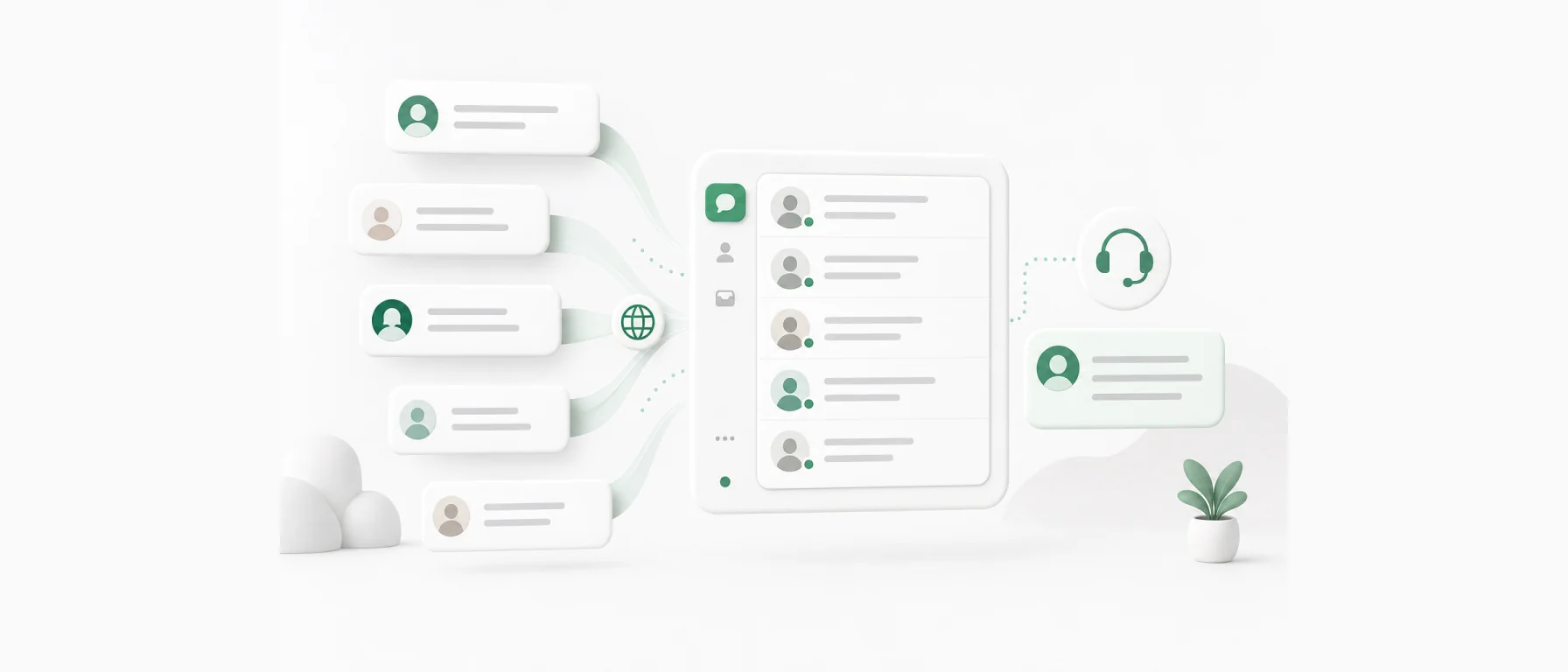
That’s why the first step is one customer service panel. Not just a trendy phrase, but a very practical rule: all conversations should go to one place where the team can see who wrote, from which channel, in what language, and what the issue is about.
2. Decide which topics you’ll handle with templates
Not every conversation requires a custom reply written from scratch. Questions about delivery, returns, invoices, or product availability are good candidates for message templates.
A template doesn’t have to sound artificial. A good template is simply a tested answer that an employee can quickly adapt to the situation.
3. Write in Polish, but use simple language
If you use automatic translation, the Polish reply should be clear and concise. Avoid language jokes, shortcuts, regional sayings, and overly long sentences.
Instead of:
“Sprawa jest do ogarnięcia, tylko musimy jeszcze rzucić okiem na status u przewoźnika.”
Better:
“Sprawdzę status przesyłki u przewoźnika i wrócę z odpowiedzią.”
This kind of text is easier to translate and harder to misunderstand.
4. Separate simple issues from sensitive ones
Not every message needs to be handled the same way. Simple sales questions can be answered quickly with AI translation and templates. For more sensitive matters, like B2B contract terms, complaint disputes, or unusual invoice details, it’s better to be cautious and verify the reply content if needed.
Common situations and how to respond
The table below shows how to approach the most frequent conversations with foreign customers. You can use it as a base for your own procedures.
| Situation | What the customer wants to know | How to respond | What to prepare in advance |
|---|---|---|---|
| Delivery question | Do you ship to my country and how long does it take? | Briefly confirm shipping availability, give estimated time and how to check cost | List of countries, carriers, basic delivery times |
| Product availability | Is the product in stock? | Confirm availability or provide a realistic date | Stock information and alternative products |
| Invoice | Can I get an invoice for my company? | Ask for company details and explain when invoice will be issued | Template requesting invoice data |
| Return | How can I return the product? | Provide return steps in simple language | Return procedure and return address |
| Complaint | The product is damaged or not working | Apologize, ask for photos or problem description, explain next steps | Complaint procedure and required info |
| B2B inquiry | Is a larger delivery or wholesale offer possible? | Ask for quantity, delivery country, and contact details | Template for forwarding to sales department |
This kind of categorization helps the team respond faster. The employee doesn’t have to wonder where to start. They see the topic, pick the right template, adjust details, and reply in the customer’s language thanks to translation.
Ready-made Polish reply templates for translation
Below are examples of short replies you can use as a base. They are written in simple Polish to work well with automatic translation.
Delivery question
“Yes, we ship orders to this country. Delivery time depends on the chosen shipping method and delivery address. Please add the product to the cart and enter your address; the system will show available delivery options.”
Customer asks about order status
“I’m checking the order status now. Please send the order number or the email address used during purchase.”
Product is unavailable
“This product is currently unavailable. We can notify you when it’s back in stock. We can also suggest a similar product if you like.”
Invoice for a company
“Yes, we can issue an invoice. Please send your company details, tax identification number, and the email address where we should send the document.”
Product return
“You can return the product according to our return procedure. Please prepare your order number and specify which product you want to return. We will send further instructions.”
Complaint about damaged product
“We’re sorry about the problem with the product. Please send the order number, a brief description of the issue, and photos of the product or packaging. We will review your report and get back to you.”
Request for a moment of patience
“I’m checking this now. Please wait a moment.”
In Chataptor, you can save such content as message templates and assign them to short commands like /delivery, /return, /invoice, or /wait. The employee types the command, and the system inserts the ready reply. This way, even a small team can respond faster and more consistently.
Example conversation: customer writes in German, team replies in Polish
Imagine an online store with a Polish team starting to sell to Germany. The customer writes:
“Wie lange dauert die Lieferung nach Berlin?”
Without a good process, the employee copies the text into a translator, reads the result, writes a reply in Polish, copies it again into a translator, pastes it into the message, and only then sends it. This can work for one conversation, but with a dozen daily, chaos begins.
A better process looks like this:
- The message arrives in a single customer service panel.
- The system shows the employee the content in Polish.
- The employee sees the customer is asking about delivery.
- They type
/deliveryand fill in details. - The reply is sent to the customer in their language.
The employee doesn’t need to know German to handle a simple sales conversation. They just need access to delivery information and a tool that doesn’t force manual copying of every message.
How Chataptor helps serve foreign customers
Chataptor is a great choice for companies wanting to start serving customers from other countries without building a large language team from day one.
The key is combining three elements.
First, Chataptor lets you collect customer messages in one panel. These can be chats from your website, Facebook, Instagram, WhatsApp, emails, marketplaces, stores, different domains, and language versions. The company doesn’t have to check many places separately.
Second, Chataptor supports automatic message translation. Customers can write in their language, agents can read messages in Polish and reply in Polish, and customers receive answers in their language. This shortens the path from question to answer and reduces the risk that inquiries get postponed “for later” because no one knows the language.
Third, Chataptor offers message templates and quick replies. You can prepare answers for topics like delivery, invoice, return, complaint, or B2B offers. Templates can be tailored to specific sites, domains, countries, or language versions. For example: a customer writes from the German version of the store shop.de, and the agent types /delivery. Chataptor can insert a delivery template prepared for that market.
On top of that, Chataptor is 100% free, with no limits and no paid features. This matters a lot for small businesses because you can test serving foreign customers without cost barriers at the start.
Mini implementation plan for the first week
If you want to start serving foreign customers, don’t begin with a big project. Start with seven simple steps.
Day 1: Check where foreign questions come from
See if customers write via email, chat, social media, marketplace, contact form, or different language versions of your store. Note the channels and countries.
Day 2: Choose the 5 most common topics
Usually, these will be delivery, product availability, order status, return, and invoice. Don’t try to cover everything at once.
Day 3: Write simple templates in Polish
Each template should have 2–4 sentences. The simpler the text, the better it works with translation.
Day 4: Decide who answers and when
Even the best tool won’t help if no one is responsible for checking messages. Assign a person and set a minimum response frequency.
Day 5: Add free live chat and connect channels
If foreign customers visit your site, live chat with translation can help catch questions before purchase. Also connect other channels so messages don’t scatter across apps.
Day 6: Test conversations with some examples
Take sample questions in German, English, or Czech. Check if the team understands the message after translation and can reply with a template.
Day 7: Improve templates after first conversations
The best replies come from real customer questions. If you notice customers asking about the same detail repeatedly, add it to the template.
What to avoid when serving foreign customers
Multilingual support doesn’t have to be perfect from day one, but some mistakes quickly ruin the customer experience.
Too long replies
Long messages are harder to translate and easier to misunderstand. It’s better to write shorter, clearer replies and break the issue into steps.
Missing customer country information
The same delivery template doesn’t always fit Poland, Germany, France, and the Czech Republic. If you sell to different markets, prepare response variants for key countries.
Manually copying every message into a translator
At first, this may seem enough. The problem arises when there are more messages and the team handles multiple channels at once. Manual copying wastes time and increases the risk of mistakes.
Replying from several different places
One person answers emails, another on Instagram, a third on a marketplace. Without a shared panel, it’s hard to track who has already replied and who is still waiting.
No ready-made replies
If the team writes every message about returns, invoices, or delivery from scratch, they waste time on repetitive tasks. Templates are especially important when translation is involved.
Real-life example: a store grows abroad faster than support
A good example is the story of BROWIN. The company started mainly selling in Poland, but individual orders also came from Germany and other EU countries. Since courier partners could deliver packages across Europe in a few days, the natural step was to open the store to new markets.
BROWIN translated the store into many languages and launched new domains and language versions. After a few months, foreign sales grew organically because customers were more willing to buy when they saw their language.
Then the second stage of the problem appeared: support. Customers started writing in different languages, from different store versions, and about various issues. The team needed one place for messages, automatic translations, and templates tailored to each country. This practical problem helped create Chataptor.
This shows an important point: foreign sales don’t end with translating the website. If a customer can buy in their language, they should also be able to ask questions in their language.
Checklist: is your company ready for the first foreign customers?
Go through this list and check what you already have prepared.
- Do you know which countries your inquiries come from?
- Do you know which channels foreign customers use to write?
- Do you have one place to handle messages from chat, email, social media, and marketplaces?
- Do you have prepared replies for delivery questions?
- Do you have a clear return procedure written simply?
- Does your team know how to answer invoice questions?
- Do you have a complaint reply template?
- Do you use automatic message translation?
- Do employees know which issues they can handle independently and which require consultation?
- Have you tested a conversation with a customer in a language the team doesn’t know?
If most answers are “no,” it doesn’t mean you can’t serve foreign customers. It just means it’s worth starting by organizing the process.
FAQ
How to serve foreign customers without language skills?
The simplest way is to combine automatic message translation, ready-made reply templates, and one customer service panel. The customer writes in their language, the team reads and replies in Polish, and the answer reaches the customer in their language.
Is automatic translation enough for customer service?
For simple matters like delivery, product availability, invoice, return, or order status, automatic translation helps a lot. For legal issues, unusual complaints, or important B2B arrangements, it’s better to be cautious and verify reply content more carefully.
Which templates should I prepare for foreign customers?
Start with templates for delivery, order status, product availability, invoice, return, complaint, data requests, and forwarding to sales.
Does live chat with translation make sense for a small store?
Yes, especially if the store gets visits or first orders from abroad. Live chat with translation lets you answer questions before purchase, even if the team doesn’t know the customer’s language.
Is Chataptor free?
Yes. Chataptor is 100% free, with no limits and no paid features. You can use it as a free live chat, a single panel for customer messages, and a tool for AI-translated communication.
Can I handle multiple language versions of my store in one place?
Yes. Chataptor can help manage messages from different websites, domains, and language versions. This way, the team doesn’t have to check each store version separately.
How to write replies that translate well?
Write short, clear, and simple language. Avoid slang, jokes, very long sentences, and unclear abbreviations. It’s best to use tested templates proven in practice.
Summary
You don’t need to know all your customers’ languages to start serving international sales. You need a simple process, short templates, access to order information, and a tool that frees your team from manually translating every message.
The most important thing is that the customer gets a quick, understandable reply. Questions about delivery, invoice, return, or product availability shouldn’t block sales just because they came in German, French, or Czech.
If you want to test serving foreign customers without big costs and without switching between translator, email, chat, and social media, Chataptor is a great place to start. You can add a free live chat to your website, collect messages in one panel, and try automatic conversation translation in practice.
Keep reading
Related guides
We translated 20 difficult customer messages. What can go wrong?
20 difficult customer messages that show where literal translation fails and how to write replies that AI can translate safely.
Selling to France, Italy and Spain: how to support customers in many languages
Selling to France, Italy and Spain? See how one support team can serve several markets with one inbox, AI translations and message templates.
How to support an online store in 20 languages from one inbox
Learn how to prepare customer support for a multilingual online store. One inbox, automatic translations, response templates and the BROWIN example.